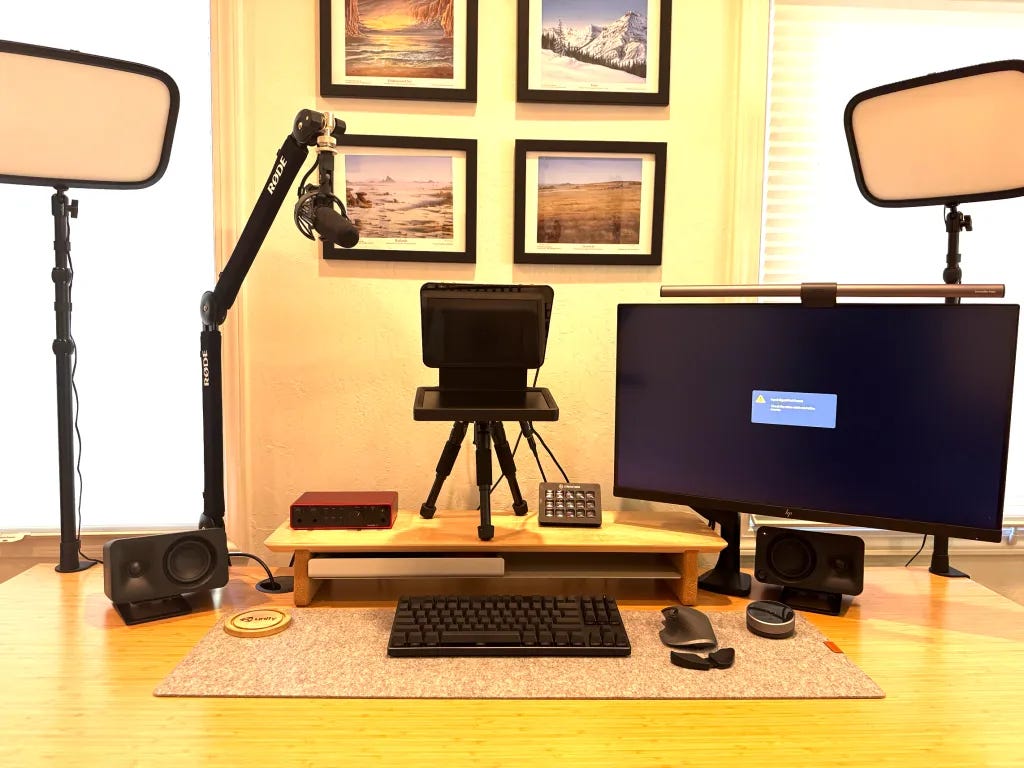
You look terrible on zoom. Seriously. Have some self respect.
I am here to lay down the best elite home zoom setup. If you are going to work from home you better look like an f-ing movie star because you are always on screen. This guide explains how to build an elite zoom setup down to the overpriced USB cable. Order all the gear listed below on Amazon. Send me the sweet sweet affiliate fees and thank me later. Let's go.
The Gear List - $2,900 Total
Camera Body — Sony ZV-e10 — $698 on Amazon
Camera Lens — Sigma 16mm 1.4F — $389 on Amazon
AV Capture Card — Elgato Cam Link 4k — $98 on Amazon
Microphone — Audio Technica AT-875R — $169 on Amazon
Audio Interface — Focusrite Scarlett Solo — $139 on Amazon
Teleprompter — Elgato Prompter — $279 on Amazon
Mic Arm — Rode PSA+ — $128 on Amazon
Tripod — SmallRig Camera Tripod — $54.90 on Amazon
Lights — Elgato Key Light x 2 — $139 each on Amazon
Controller — Elgato Stream Deck — $129 on Amazon
Cables (see full list below)
What to Consider
Here's how I think about this setup: It's high end without going over the top. It could have gone over the top but sometimes you gotta save cash and blow it on something stupider later. The gear I chose is proven across a lot of peoples' set ups. It maximizes price for performance with a priority on convenience and simplicity. People are going to be impressed when they see the result on either side of the camera.
A non obvious point unless you have been doing this a while is you want this setup to turn on/off with one button press. This setup minimizes points of failure. Key decision: I picked an audio interface that works when power is applied and wired it through the camera to eliminate audio / video sync issues.
Why get the total package? Everything works together to hit true perfection. You can look good with just a nice camera but fall short of awesome communication without audio or lighting.
Camera

Sony ZV-e10 — $698 on Amazon
The best balance of features and value for a DSLR video conferencing camera.
The ZV-e10 is the essential YouTube streamer camera. For zoom, it is the perfect in-between for high end webcams and mid tier DSLRs. Webcams can't really match the camera quality you get from this setup. The Sigma lens below gives you an authentic cinematic blurred look without having to use some hokey Zoom background overlay. Keep your communication goal in mind and don't over do it. If you want to pay $3k-$6k for a DSLR zoom camera for some random reason, seek help.
Buy this camera if you want:
High Quality image with Attachable Lens
Less likely to overheat on zoom and streaming
Everything you need for stationary streaming and nothing you don't
Note: They have released a version 2 of this camera but it doesn't have anything you need for the price.
Camera Lens
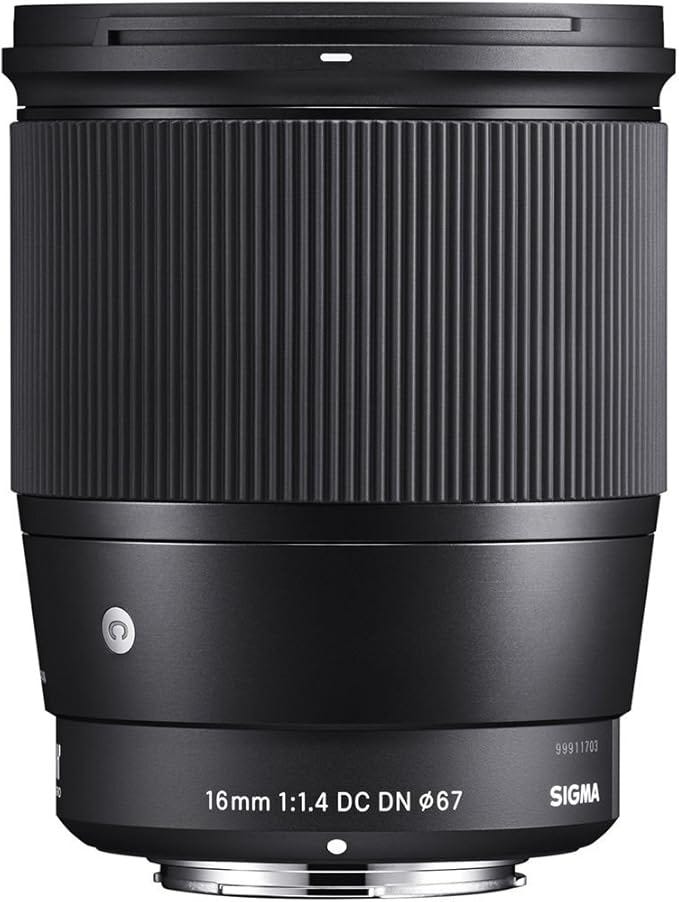
Sigma 16mm 1.4F — $389 on Amazon
A great wide angle lens for perfect 4k quality and blurred backgrounds.
Couple subtle tradeoffs here. The Sigma line of lenses is much cheaper than the Sony one and they get the job done. You might want to think about how zoomed you want the picture to be. Most people settle for the 16mm.
If you want to be a pro YouTuber I'd probably go with a full frame camera and lens but stop trying to change the subject and focus on the job at hand.
AV Capture Card
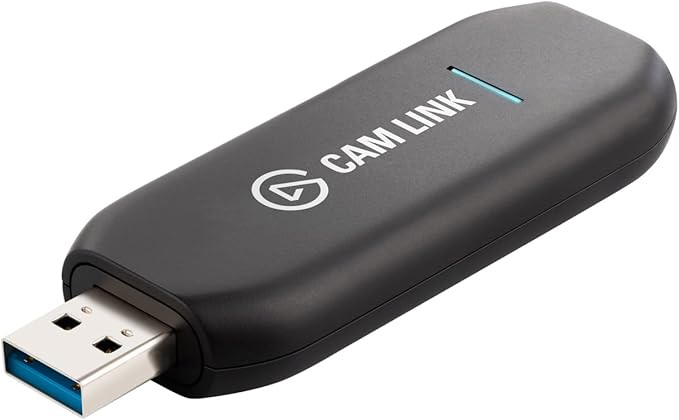
Elgato Cam Link 4k — $98 on Amazon
The standard capture card for connecting a DSLR to your computer.
The Elgato Camlink 4k has been around forever and is the standard. One thing to watch out for is cord length here. It is a little annoying to plug straight into a laptop or PC so I used a small usb extension chord. I also used a left 90 degree cable from the camera to the card to keep the cable out of the way of the flipped out view finder on the camera and have the chord reach the back of my gaming PC.
Note: If something technical is going to go wrong, its between the CamLink and the computer. The short micro-hdmi adapter leaves it hanging right by your camera to reset it (unplug and then plug it back in).
Teleprompter
Elgato Prompter — $279 on Amazon
Miracle device so you can maintain eye contact with your audience.
Here's where we get truly elite if you know anything about presentation skills. You gotta have eye contact with people you talk to and this is IMPOSSIBLE to do with a traditional monitor. With this setup you can stare at your audience and yourself. Stop looking like you are playing solitaire in meetings. (Which you can do on the Elgato prompter since it acts like a second monitor.)
Audio

Audio Technica AT-875R — $169 on Amazon
The best mic for the money.
If you want good sound AND to have the mic off camera when you want, you are going to want to go with a shotgun mic. This mic mounts on a boom right above your camera and sounds amazing. This is a cheaper version that sounds as good as the gold standard Sennheiser ones.
If you want to pretend to be Howard Stern with a mic right in front of your face on camera you are on your own.
Rode PSA 1+ — $129 on Amazon

Arm to attach your mic to.
Unless you think you are Joe Rogan, you want to mount your mic just out of frame above your camera. This is the thing to do it with and it looks great.
Focusrite Scarlett Solo — $149 on Amazon

An amp for your fancy microphone.
Scarlett - Proven, Proven, Proven. Also, what the hell is this thing? Turns out, good mics need power to be loud enough to connect to a computer. This audio interface "Gains" you the volume you need. Turn the monitor output on this thing up and your camera mic cord input volume down for the best quality.
Lights

Elgato Key Lights x 2 — $159 Each on Amazon
I am ready for my closeup!
Researched this forever. There are infinite possibilities. Maximized on space and simplicity for a 3 light setup. If you are doing lighting you are going way overboard. Start with a Key light. Then get a second one of these for a fill light on the opposite side of your desk. Getting fancier than that is an equipment shill for another day.
Controller

Elgato Stream Deck — $129 on Amazon
Control all your gear with custom buttons.
You bought all this gear you might as well give it cool shortcuts to control. The Elgato stream deck was actually my first purchase a couple years ago. It controls lights, software, power, anything really. Zoom integration gives buttons for video mute, audio mute, and hangup.
This is on my list of favorite things. It is surprisingly delightful to use and has pretty colorful buttons.
Cables
I'm not going to explain and make jokes about all these things. It took a long time to figure out what the best cable setup was in order to minimize clutter and still get the power and audio performance we needed. You are welcome to sub in most alternatives here but the list below is extensive and you won't need anything extra.
Camera Power USB C Dummy Battery to Power Adapter — $35.99
Camera Micro HDMI to HDMI Adapter to Elgato Camlink — $12.87
Microphone Rode XLR Cable to Focusrite Scarlett Solo — $35
Audio Interface Mic Adapter Cable to Camera — $16.99
Audio Interface USB C Power Cable to Power Adapter — $8
Apple Power Dual USB C 35W Power Adapter to Hue Smartplug — $49
HUE Smart Plug to Wall — $33
Too much information: I am assuming the best connection you have to your computer is USB 3.0 for this setup. I am personally waiting until the fall to get a new computer when the USB 4 standard will be more widely supported. You can probably use a hub to cut down a cable or 2 now if your laptop already supports thunderbolt but I want to make sure this guide covers laptops and desktops.
Conclusion
Here's what everything looks like put together. Lights, Camera, Action!